Additional Sales Point
Add another business unit when you operate more than one sales point.
3,600 LEK / business unit
- Useful for businesses with multiple locations or operating units.
- Keeps sales and activity easier to separate by unit.
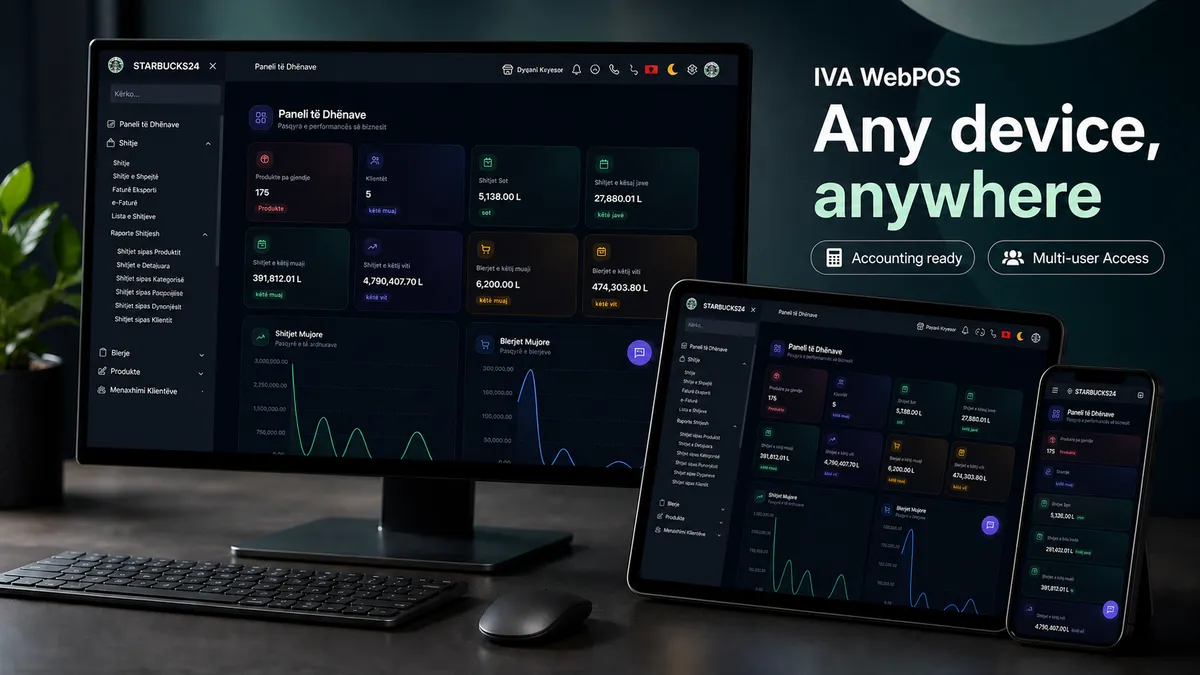
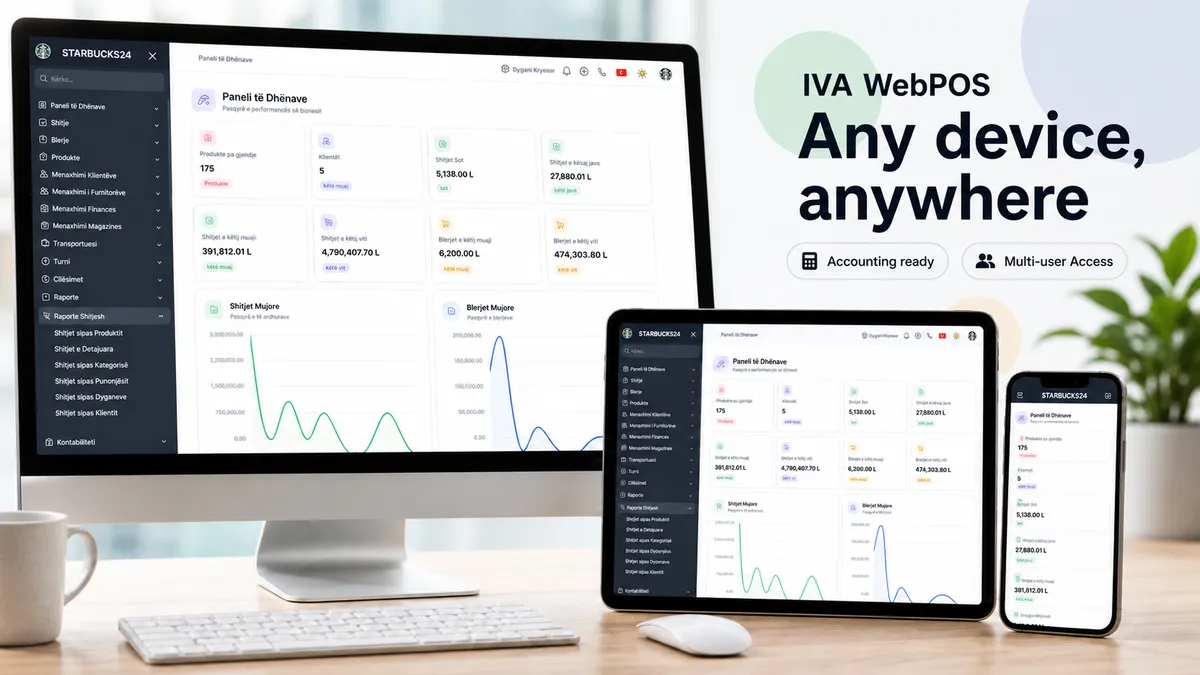
From any device, anywhere
WebPOS gives owners control from any device, anywhere. Sales, purchases, inventory, fiscalization, shifts, reports, and accounting live in one browser-based platform built for daily business work.
Best fit
Owners, managers, multi-user or multi-location businesses, HORECA operators, and accountants managing many client businesses.
Outcome
Daily control over sales, purchases, inventory, staff, fiscalization, and reports, with cleaner source data for accounting workflows.
For accountants
For accountants, WebPOS is more than invoice visibility. Integrated accounting workflows connect business activity with accounts, entries, recurring payments, templates, and financial statements. That means fewer manual corrections, cleaner source data, and a smoother way to manage more client businesses.
For bars and restaurants
For bars and restaurants, WebPOS supports waiters, shifts, tables, orders, and inventory. Recipe and ingredient tracking helps connect dishes to stock movement, giving owners a clearer view of what was sold and what was consumed.
For markets and shops
WebPOS helps markets and shops move quickly at checkout, find products by barcode or name, reduce invoicing mistakes, and see sales without waiting until the end of the day.
Fiscalization
WebPOS keeps fiscalization steps inside the daily workflow, from the certificate and business unit to operators and invoice statuses. The goal is less manual work and more confidence in every invoice.
See how sales, inventory, reports, and accounting work together in one browser-based platform.
Selected features
Switch segments to see the most relevant use cases for owners, accountants, bars/restaurants, or shops.
See sales, purchases, inventory, staff, fiscalization, and reports from any browser-enabled device.
Keep daily, weekly, and monthly sales, purchases, customers, and low-stock products in view.
Record sales and purchase invoices without jumping between different programs.
Track quantities, cost, stock value, product movements, and warehouses.
Control opening, closing, employees, and actions that affect the cash desk.
Review sales by product, category, employee, store, and customer.
Daily activity is recorded closer to the source, with fewer manual checks and fewer corrections.
Work in the same WebPOS environment and switch more easily from one company to another.
Accounting workflows cover accounts, entries, templates, and financial statements.
Automate repeated tasks and keep a calmer working rhythm.
NIVF, NSLF, statuses, and invoices stay connected to business activity.
Accountants focus on exceptions instead of rebuilding every action from scratch.
Track who opened the shift, who served, and how actions move during service.
Keep table and order flow under control during busy hours.
Connect dishes with ingredients so inventory reflects real consumption.
Use product search and quick checkout for smoother service.
See actions that affect shift and cash-desk control.
Understand what sold, who worked, and what inventory was consumed.
Search products, add them to the order, and collect payment faster in the browser.
Find products by barcode or name to reduce invoicing mistakes.
Keep products organized by price, cost, category, and supplier.
See quantity, total value, and the warehouse where each product sits.
VAT, discounts, payments, and fiscal status remain in the same workflow.
Sales and inventory reports stay accessible even when the owner is away from the shop.
Start self-directed with WebPOS or request a guided demo.
WebPOS add-ons
Add more business units or inventory control when your operation needs more structure without changing the core platform.
Add another business unit when you operate more than one sales point.
Activate deeper control over products, warehouses, stock levels, and movements.
If you have more units, staff, or workflows, our team can help configure WebPOS around your operation.
Playing big? Request an enterprise demoFAQ
Open the gallery to inspect sales, inventory, fiscalization, shifts, and accounting screens more clearly.